Privately deployed AI assistant
Mycroft
A single private assistant for quick voice or text conversations in Telegram and longer realtime sessions in the browser.
Designed for
People who want a privately deployed personal assistant
What the product focuses on
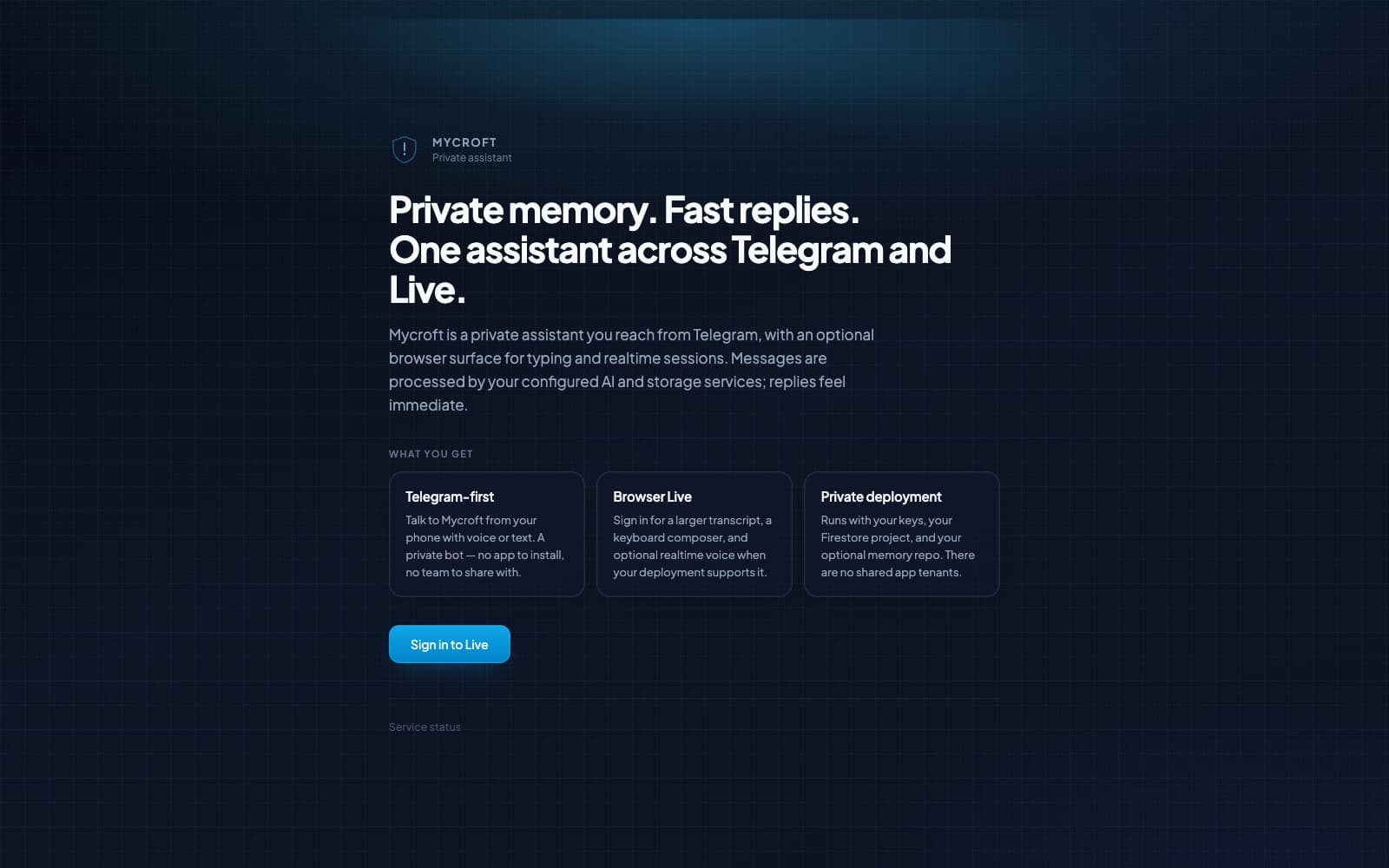
Mycroft is a private assistant available through Telegram and an optional browser Live interface, using the owner’s configured AI, storage, and memory services.
- Telegram voice and text conversations
- Browser transcripts and realtime sessions
- Owner-controlled AI, storage, and memory
This product is still in development. The linked preview may change and should not be treated as a generally available release.
Product case study
From the problem to a usable workflow
A concise look at the problem, the product response, the workflow it supports, and what is available today.
The problem
A useful personal assistant needs to be close at hand without scattering conversations across unrelated tools or placing every user in the same shared application environment.
The product response
Mycroft puts the fast path in a private Telegram bot and adds a browser surface for a larger transcript, keyboard input, and optional realtime voice.
Core workflow
How the experience is structured
- 1
Start from Telegram
Send a voice or text message from a private bot on the device already at hand.
- 2
Move to Browser Live
Use the browser for a larger transcript, keyboard composition, and optional realtime voice.
- 3
Keep the deployment isolated
Run the assistant with owner-controlled AI credentials, storage, and optional memory rather than a shared tenant.
Studio contribution
What synexa labs built
synexa labs designed and built the Telegram-first assistant, browser Live experience, and deployment model that connects the owner’s AI keys, Firestore project, and optional memory repository.
Current state
Public preview
In development with a working public preview. The current deployment exposes the product overview, authenticated browser entry point, and service status while isolating assistant sessions to the owner’s deployment.
Explore the preview